Flat Bootstrap WordPress Theme
Modern, responsive, “flat” style theme
Full-width Images and Sections
Set full-width “featured images” and use the included color palette to create stunning colored horizontal sections for your content.
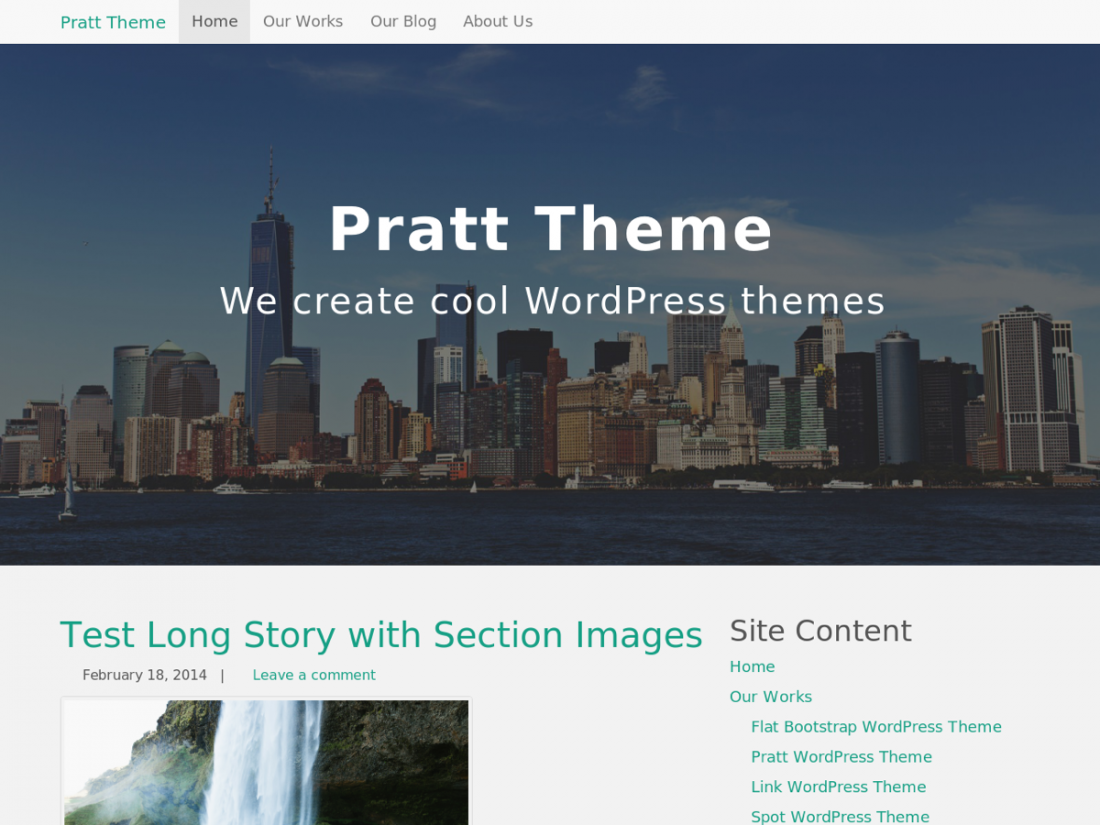
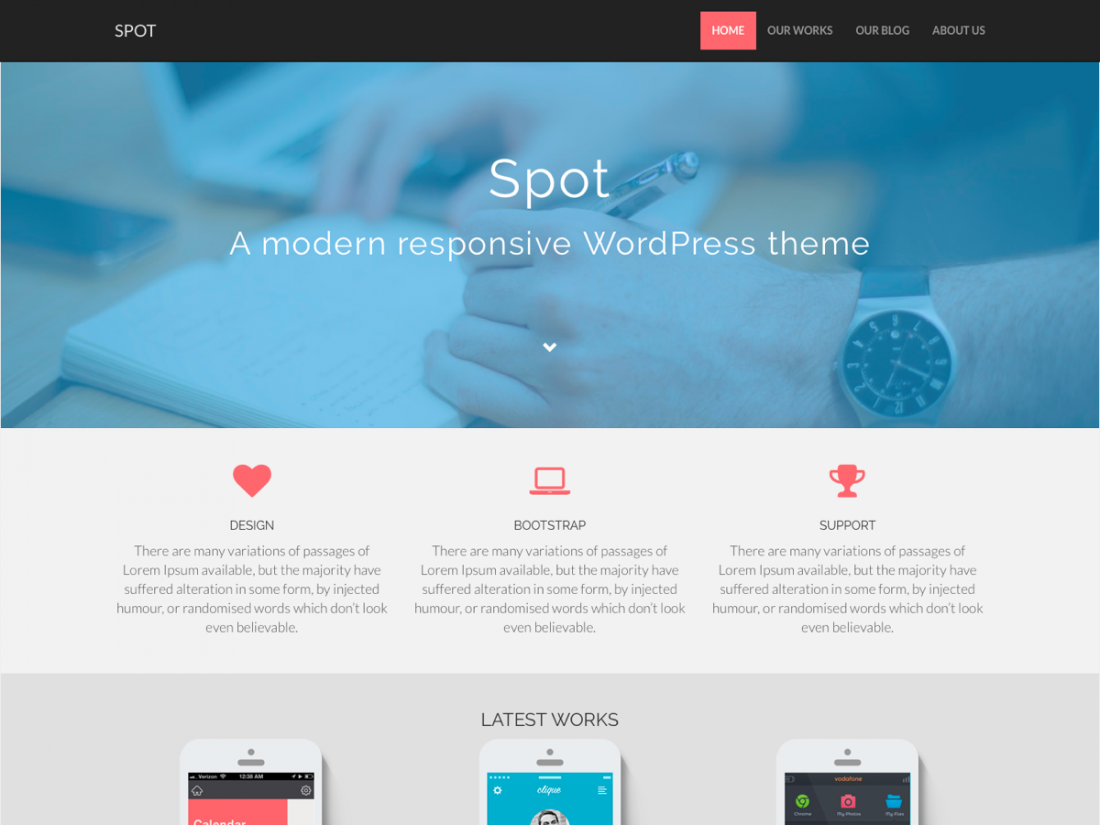
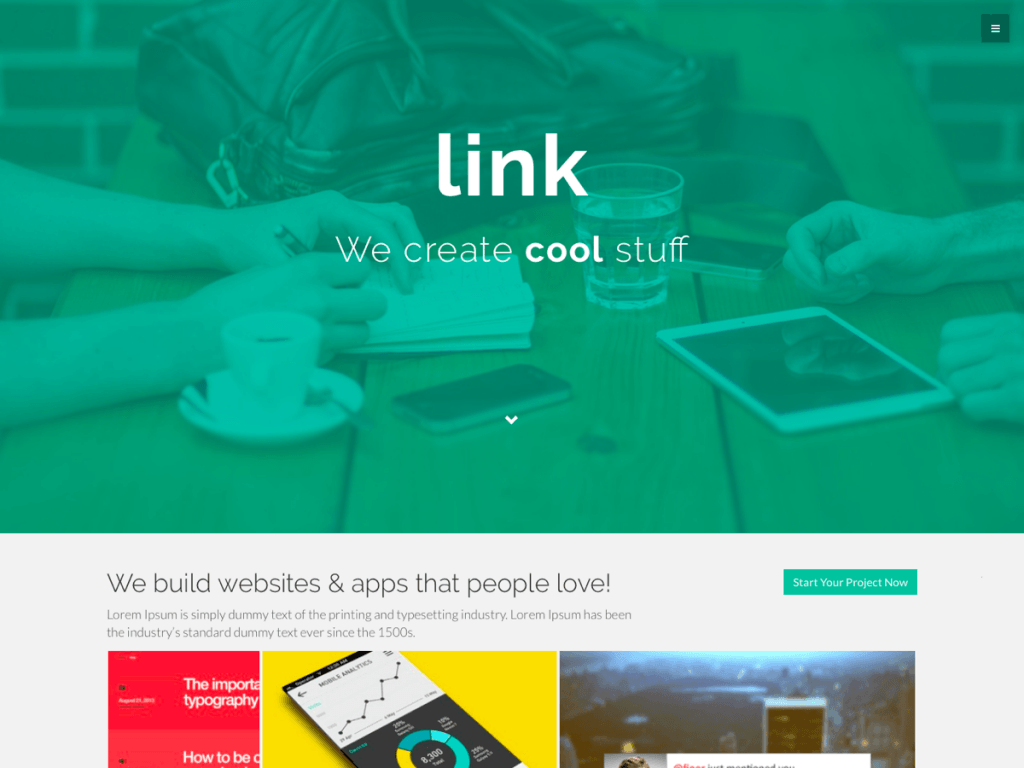
Tons of “shortcodes” for your page content
Columns, buttons, icons, labels, badges, tabbed and collapsible areas, progress bars, carousels (sliders) and more!
Flat Bootstrap is a modern, fully responsive, “flat” style theme with a nice color palette, big full-width images, and full-width colored sections.
It automatically adapts for desktops, tablets, and phones. It is based on the standard WordPress starter theme (_S) and the Twitter Bootstrap CSS framework. The theme was inspired by the HTML/CSS themes from Blacktie.co and color schemes from Designmodo.com’s flat UI.
Features include a mobile navigation bar, multiple columns (grid), buttons, icons, labels, badges, tabbed content areas, collapsible content areas, progress bars, alert boxes, carousels (sliders) and much, much more. This is a theme for both users and theme developers with lots of features but without the bloat.
Why We Wrote this Theme
There are thousands of WordPress themes and dozens of Bootstrap themes, but almost all of them are designed with a maximum width. Most of the Bootstrap themes are also only for developers, not users, with just the basic ugly Bootstrap sticking out like a sore thumb. Most of the Bootstraps themes aren’t based on a core WordPress theme either, so they can be difficult to figure out how to adjust the styling.
We developed this theme to be unique in these key ways:
- It is based on the WordPress core “starter theme”, so you already know how to style it and override templates and such in a child theme without learning anything new!
- It is based on Bootstrap for cross-browser capability in a fully responsive theme with tons of components that you can use in your content, such as buttons, navbars, sliders, etc.
- It is designed to be a modern, “flat” (or technically “almost flat”) theme with full-width colored sections and full-width images. This really brings your content alive and allows the reader to focus on that content instead of the theme itself.
- Its open source and completely free. Most themes like this are considered “premium” themes and cost money. Our hope is that user’s will love it and theme developers will start using it as a core “framework” as well.
Theme Features
- Fully responsive theme that changes layouts for desktop, tablets, and phones
- Modern, “flat” style theme with beautiful color palette
- Big full-width featured images on any page
- Full-width colored sections
- Hundreds of icons from Bootstrap and Font Awesome
- Variable column footer with 1 to 4 columns
WordPress Features Supported
custom-background, custom-header, custom-menu, featured-image-header, featured-images, flexible-header, fluid-layout, full-width-template, left sidebar, light, one-column, responsive-layout, right sidebar, rtl-language-support, sticky-post, theme-options, threaded-comments, translation-ready
Page Templates
- Full-width page with colored page header
- Full-width page without page header
- Full-width page with three (3) most recent posts (in columns on desktop)
- Page with right sidebar (default)
- Page with left sidebar
- Page without sidebar
- Site Index with search, pages, categories, tags, and recent posts listings
We’ve even included the ability to have individual posts be full-width as well.
“Shortcodes”
Our “shortcodes” aren’t really shortcodes… you simply use the standard Bootstrap markup, such as < div class=”whatever”>. If you really like shortcodes instead, you can download either of these plugins. They both work just fine with this theme.
- Colored buttons
- Colored message boxes (alerts)
- Tabbed content areas
- Collapsible content areas
- Sliders (carousels)
- Everything else that the Bootstrap CSS framework has to offer!
Screenshots
Demo and Download This Theme
Demo this theme: Demo Flat Bootstrap Theme.
Download this theme from the WordPress.org Theme Directory:
More Information
Be sure to check out How to Use Our WordPress Themes and our Theme “Shortcodes” Page. You can also check out other other themes that should be ready for release soon as well on our WordPress Themes page.
79 responses to “Flat Bootstrap WordPress Theme”
Comments
Best Theme ever, thank you
A little question are you going to plan to make flatbootstrap 2 with bootstrap 4?
I have been following Bootstrap 4 closely. There are of course MASSIVE changes to even the core grid system, the spacing, etc. I have been working on another major version update to Flat Bootstrap (v2.0) that still uses Bootstrap 3. I’d release that first and then some bug fixes and possibly some minor enhancements. I’d LOVE to use the new Bootstrap v4 “flexbox”, but IE9 doesn’t support that. Also, its still in Beta and users of my theme have probably built page content off of v4. So there are major decisions to be made and major code updates required. I think I will need to leave the existing Flat Bootstrap at v2.x and release a separate version of it that uses Bootstrap v4. That would allow users to chose if/when they move up, but also then creates confusion and I lose download history, ratings, etc.
[…] Full Details & Download | Demo […]
Hi, Brandon. My themes support drop-down menus (2 levels) out of the box. They utilize the built in WP custom menu system. You create the menu in WP admin and then assign it to the top nav menu location.
Hi Tim. I’m a software developer but completely unfamiliar with WP. I have a friend who is using WP and your theme, and she wants to make the main menu a dropdown. I’ve tried to navigate through the WP backend but I can’t determine if the theme itself isn’t designed to support a dropdown menu or if it’s something else. I know this is a really stupid question but my lack of knowledge of WP really makes something this simple rather confusing.
Hi! I use flat-bootstrap and created a child-theme. When looking in the functions.php of the parent theme there is the following line (292 in my editor):
“wp_enqueue_style( ‘flat-bootstrap’, get_stylesheet_uri() );”
This means that “style.css” is ALWAYS loaded from my child-theme (because of get_stylesheet_uri()) . Shouldn’t it be “get_template_directory()” instead? Or am I getting something wrong?
Cheers!
Heiko
OK, sorry, my fault. In my “functions.php” I added the action with the priority of 20 like this:
add_action( ‘wp_enqueue_scripts’, ‘theme_enqueue_styles’, 20 );
which caused the trouble. Removing the 20 and everything works as expected.
Great, thanks for replying with your fix!
Hello
I am very happy with the flat-bootstrap
I installed a child theme
I would change such a parameter
flat-bootstrap/ css/ theme-flat.css
After multiple tests, nothing works, I can certainly do it, wrong
Where can I find a tutorial to explain the procedure
(Can not find the answer)
Thank you for the reply and for your work
Please check out How to Use our WordPress Themes and the Child Themes page on WordPress.org. It’s great that you are using a child theme as that is definitely what you want to do. But instead of copying down the theme’s CSS and editing it, simply put the styles you want to *override* in the child theme’s style.css.
Just a heads up… Flat Bootstrap v1.9 (the parent theme for Pratt) will be coming out very soon and I have made significant changes to theme-base.css, theme-flat.css, etc. You definitely don’t want to alter those files.
Hi thank you
If i understand,
I want to modify (override)
.content-header {
padding-top: 35px;
padding-bottom: 35px;
}
which is in theme-base.css
I just put it (modified) in style.css in the child theme
Correct?
Thanks again
Yes, exactly! CSS loads in order and whatever is last “wins”. BTW, Flat Bootstrap v1.9 is out now, so don’t update until you change the way your child theme works.
Thanks. We will look forward to the new release coming through. We really appreciate you looking into this. Andrew
Thanks for getting back to me. I have turned the sidebars back on; you can see the issue at http://analytics.org.nz/events/testevent/ Please let me know if we can help in any way. Andrew
At first glance, I thought it was the inline “float: right” (for the map and possibly that login section) was not playing nicely with Bootstrap’s grid system. However, since this was working for you in v1.7, but not in v1.8, I think it may be due to this change that I made. From the release notes:
“Previously on full-width page templates, we used javascript to move content from any plugins to the bottom of the page. For example, to push social sharing buttons below the content. In this release, we do that for all pages and articles, regardless of whether they are full-width or not. For example, social sharing buttons now get moved below the site index page content when using that page template.”
I’m thinking that it has to have something to do with that. For the next version, I’m going to rethink when and how I’m doing this. For now, I would use the suggestion above from lisajwells to turn off this functionality altogether.
Since you are using Flat Bootstrap, you can easily copy the /flat-bootstrap-child theme and edit it’s functions.php. Add this somewhere in there:
//Remove a function from the parent theme
function remove_parent_filter(){ //Have to do it after theme setup, because child theme functions are loaded first
remove_filter( ‘the_content’, ‘xsbf_add_container’, 5, 1 );
remove_filter(‘the_content’, ‘xsbf_end_container’, 1999, 1 );
}
add_action( ‘after_setup_theme’, ‘remove_parent_filter’ );
That turns off that particular functionality and should fix your problem. Please let me know whether that works or not. If this is causing problems with plugins, I want to rethink how its being handled.
I have just released a v1.8.1 that sets this functionality back to the way it was in v1.8 as a quick fix. I’ll be addressing this issue more holistically in v1.9. It will take a while for WordPress.org to approve the new version, but if you want it now you can get it from the Flat Bootstrap github repository. Its in the regular “master” branch.
PS: We have temporarily removed the widgets etc from the Events page, but will put them back if that helps with your debugging.
I have just updated to v1.8, and on our events pages (created by the Events Manager plugin), the right-hand-side widget area (Meta etc) have all moved to the bottom of the page. (The other non-events pages are fine). You can see this at http://analytics.org.nz/events/auckland-11-march-how-data-and-analytics-are-transforming-new-zealands-public-sector/ This used to work fine with your theme. Any suggestions? This happens on Firefox and Chrome. Thanks for a great contribution – we really like this theme. Andrew
Thanks for your kind words! I am working on some changes as to how the sidebars are called (by ID instead of Name, so as to not cause problems with non-English sites). I’d like to understand what’s going on here to make sure the next version (v1.9) doesn’t have any issues at all with sidebars.