
Flat Bootstrap WordPress Theme
Modern, responsive, “flat” style theme
Full-width Images and Sections
Set full-width “featured images” and use the included color palette to create stunning colored horizontal sections for your content.
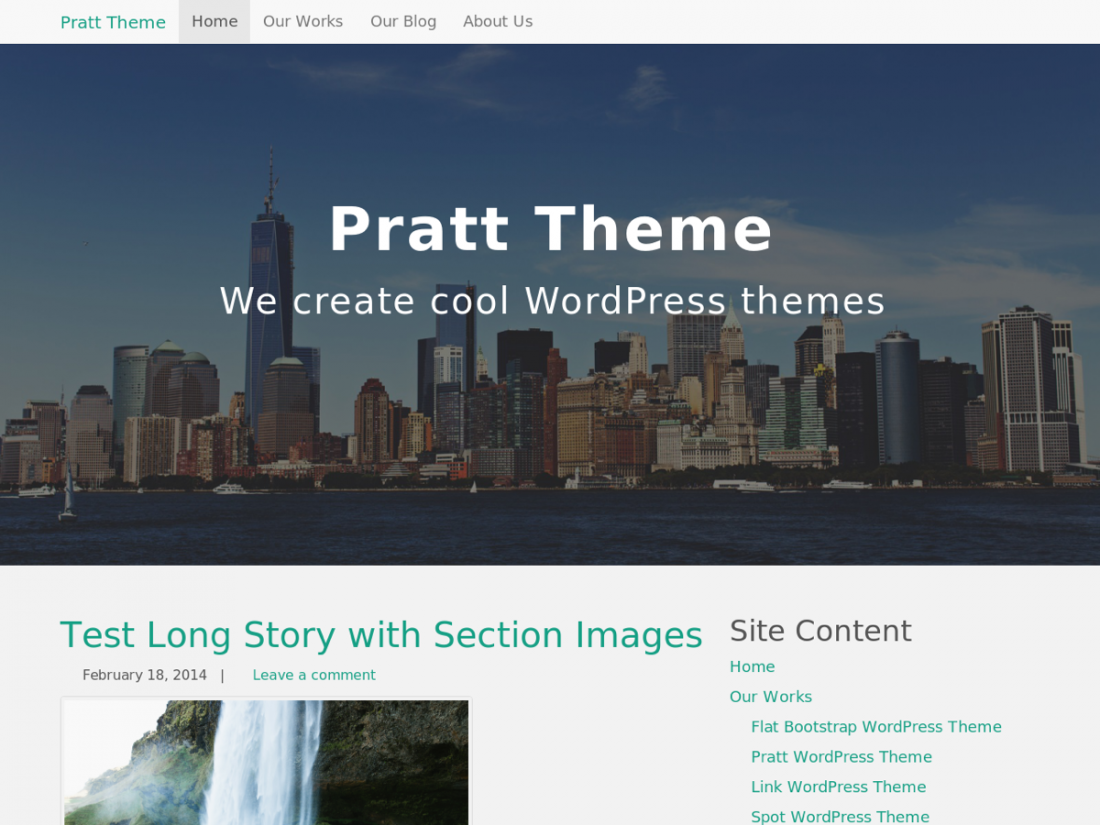
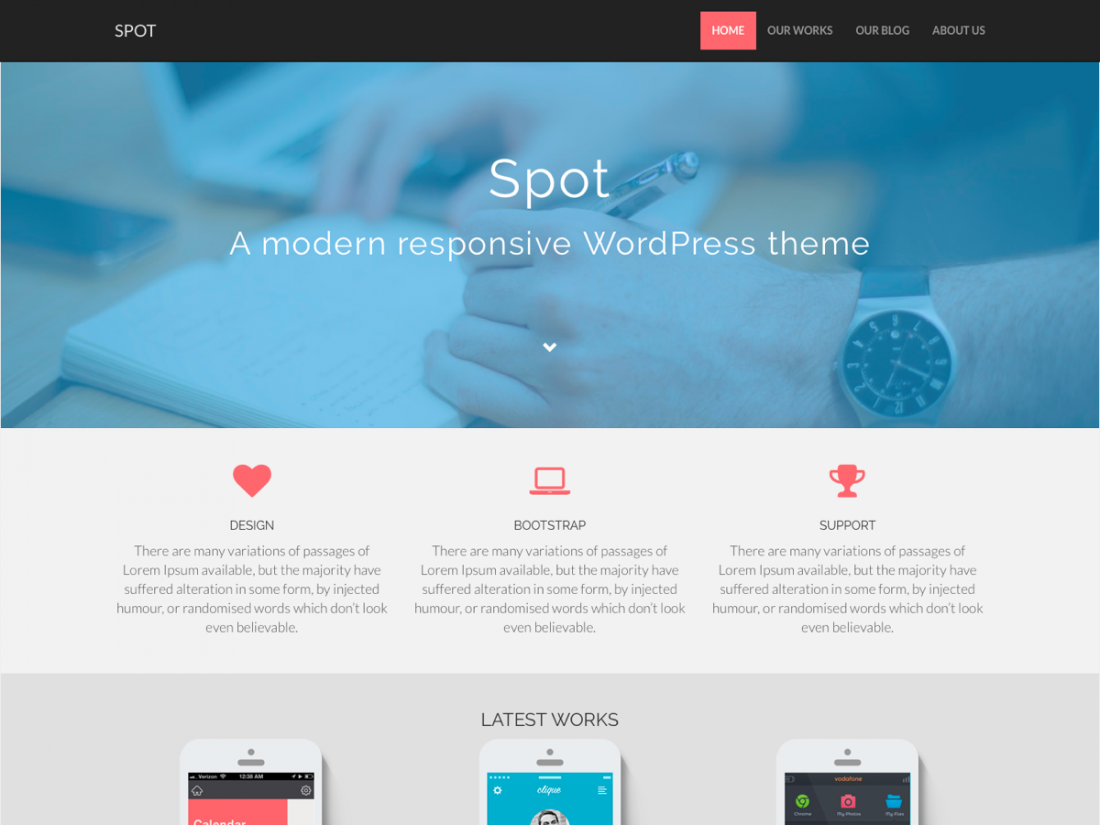
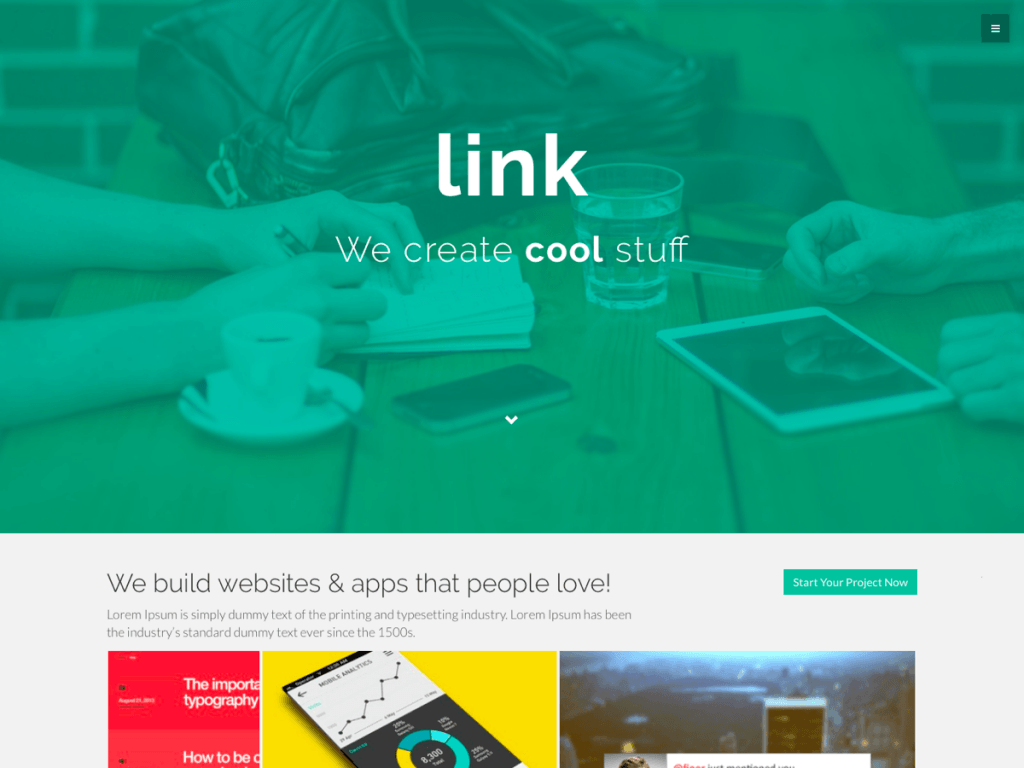
Tons of “shortcodes” for your page content
Columns, buttons, icons, labels, badges, tabbed and collapsible areas, progress bars, carousels (sliders) and more!
Flat Bootstrap is a modern, fully responsive, “flat” style theme with a nice color palette, big full-width images, and full-width colored sections.
It automatically adapts for desktops, tablets, and phones. It is based on the standard WordPress starter theme (_S) and the Twitter Bootstrap CSS framework. The theme was inspired by the HTML/CSS themes from Blacktie.co and color schemes from Designmodo.com’s flat UI.
Features include a mobile navigation bar, multiple columns (grid), buttons, icons, labels, badges, tabbed content areas, collapsible content areas, progress bars, alert boxes, carousels (sliders) and much, much more. This is a theme for both users and theme developers with lots of features but without the bloat.
Why We Wrote this Theme
There are thousands of WordPress themes and dozens of Bootstrap themes, but almost all of them are designed with a maximum width. Most of the Bootstrap themes are also only for developers, not users, with just the basic ugly Bootstrap sticking out like a sore thumb. Most of the Bootstraps themes aren’t based on a core WordPress theme either, so they can be difficult to figure out how to adjust the styling.
We developed this theme to be unique in these key ways:
- It is based on the WordPress core “starter theme”, so you already know how to style it and override templates and such in a child theme without learning anything new!
- It is based on Bootstrap for cross-browser capability in a fully responsive theme with tons of components that you can use in your content, such as buttons, navbars, sliders, etc.
- It is designed to be a modern, “flat” (or technically “almost flat”) theme with full-width colored sections and full-width images. This really brings your content alive and allows the reader to focus on that content instead of the theme itself.
- Its open source and completely free. Most themes like this are considered “premium” themes and cost money. Our hope is that user’s will love it and theme developers will start using it as a core “framework” as well.
Theme Features
- Fully responsive theme that changes layouts for desktop, tablets, and phones
- Modern, “flat” style theme with beautiful color palette
- Big full-width featured images on any page
- Full-width colored sections
- Hundreds of icons from Bootstrap and Font Awesome
- Variable column footer with 1 to 4 columns
WordPress Features Supported
custom-background, custom-header, custom-menu, featured-image-header, featured-images, flexible-header, fluid-layout, full-width-template, left sidebar, light, one-column, responsive-layout, right sidebar, rtl-language-support, sticky-post, theme-options, threaded-comments, translation-ready
Page Templates
- Full-width page with colored page header
- Full-width page without page header
- Full-width page with three (3) most recent posts (in columns on desktop)
- Page with right sidebar (default)
- Page with left sidebar
- Page without sidebar
- Site Index with search, pages, categories, tags, and recent posts listings
We’ve even included the ability to have individual posts be full-width as well.
“Shortcodes”
Our “shortcodes” aren’t really shortcodes… you simply use the standard Bootstrap markup, such as < div class=”whatever”>. If you really like shortcodes instead, you can download either of these plugins. They both work just fine with this theme.
- Colored buttons
- Colored message boxes (alerts)
- Tabbed content areas
- Collapsible content areas
- Sliders (carousels)
- Everything else that the Bootstrap CSS framework has to offer!
Screenshots
Demo and Download This Theme
Demo this theme: Demo Flat Bootstrap Theme.
Download this theme from the WordPress.org Theme Directory:
More Information
Be sure to check out How to Use Our WordPress Themes and our Theme “Shortcodes” Page. You can also check out other other themes that should be ready for release soon as well on our WordPress Themes page.
79 responses to “Flat Bootstrap WordPress Theme”
Comments
Hi
I created a website with your theme and it looks great but I can’t change or get rid of the page bottom. I read how you say to get rid of them but it doesn’t work. Can you help. Thanks
oh, excuse me, i get it now …
theme defaults to show widgets if no other widgets have been specifically assigned ..
cheers
hi,
thanks for a nice theme with a lot of options.
I’m trying to use widget login plugin but it doesn’t seem to work. anyone else have this problem?
theme- 1.6 , wordpress 4.3.1
thanks
I’m using 1.6 and code tags do not get formatted correctly. There is an extra border especially when using markdown which forces a tag. I corrected it by adding a border none style to “pre code” . There might be a better way. Maybe include a fix in the next version?
I’ve noticed that too and just looked into it and I think I have a fix. For now, you can use the pre tag instead of code. I’ve tried to style them to look the same anyway (I don’t like the red coloring for code). Or in theme-base.css you can comment out the word-break and word-wrap as they are already handled earlier in the file.
/* Style code tag like pre tag so its white instead of red */
code {
    /*word-break: break-all;
    word-wrap: break-word;*/
    color: #2f2f2f;
    background-color: #f5f5f5;
    border: 1px solid #ccc;
	-webkit-border-radius: 4px;
	-moz-border-radius: 4px;
	border-radius: 4px;
}
This fix will be in the next update (v1.7). Thanks for having me look into it deeper.
Hello I am using the Flat Bootstrap theme. I love the feel of the theme. However, there are two things that bother me about the version I have (v1.5). When viewing it on a mobile device, I would like to disable the default mobile view. Also I do not want the “Call to action” sidebar at all. I found out how to make it invisible, but I would like to remove it permanently. I am totally new as a web developer and could use some help on this. Thanks.
I’m not sure what you mean by disabling the default mobile view. There really isn’t a mobile view as the theme is responsive, meaning it adapts to different screen sizes. For the “Call to action” widget, that is just a sample. Add a blank text widget to the Page Bottom widget area and it will go away. If you want to be able to choose to hide certain widgets on small screens, you can use a plugin such as Simple CSS for Widgets and use Bootstrap’s built in classes for that. See http://getbootstrap.com/css/#responsive-utilities.
placing a blank text widget doesn’t work. “call to action” widget doesn’t disappear. Also text written in that textwidget is not shown.
Put one or more spaces in the text widget. That tells the PHP code that there is something in it and it should be displayed, but the user won’t see the spaces. Any actual text you add certainly should be showing. Can you give me a link to your website?
This is a nice theme but having to add an empty widget to get rid of something no one will want on their site is kind of silly. Having a real call to action widget that could be added would probably be a better option.
I agree. I did it this way primarily so the WordPress.org directory could show some semblance of what the theme might look like. Since its a flat theme, the colored sections and buttons are what give it the look and feel. WordPress doesn’t give us any way to include sample data, for a widget or otherwise. They also won’t allow inclusion of an actual widget in a theme.
Has anyone used Bootstrap to play audio with playlist? I’m using Flat Bootstrap Child theme.
[…] turned to a few of my old standbys to get this done. The theme remains Flat Bootstrap. The plugins pulling the majority of the weight […]
Hi, I’m all new here and looking for support to the Flat Boostrap theme. I have translated the PO file; however not everything can be translated. I’m missing the “Read more” – where can I translate that?
Hia! Thanks a lot for your work, i’m currently using the Flat Bootstrap v1.5 theme, and found out that there is a problem with submenus in theme, in some reason, it isn’t dropping down on hover or when clicked( can u help fixing this? Thanks!!
The theme is based on Bootstrap which is open-sourced by Twitter. Their opinion is that with widespread mobile use, hover menus are outdated. I’m not saying I agree, but I’m trying to keep my theme 100% compatible with Bootstrap. If you really want traditional hover menus, I could point you in the right direction. Look at header.php and you’ll see where I’m calling a custom Bootstrap-specific callback. If you change it to the default (can blank out the callback), then the normal WordPress menu structure will be output. You’d have to code up all the menu-related CSS yourself, though.
[…] Flat Bootstrap […]